Venom Mask TEMPLATES for cardboard DIY
Venom Mask TEMPLATES for cardboard DIY
Digital download
Digital files — no physical item
You will receive files to build this project yourself. Nothing will be shipped.
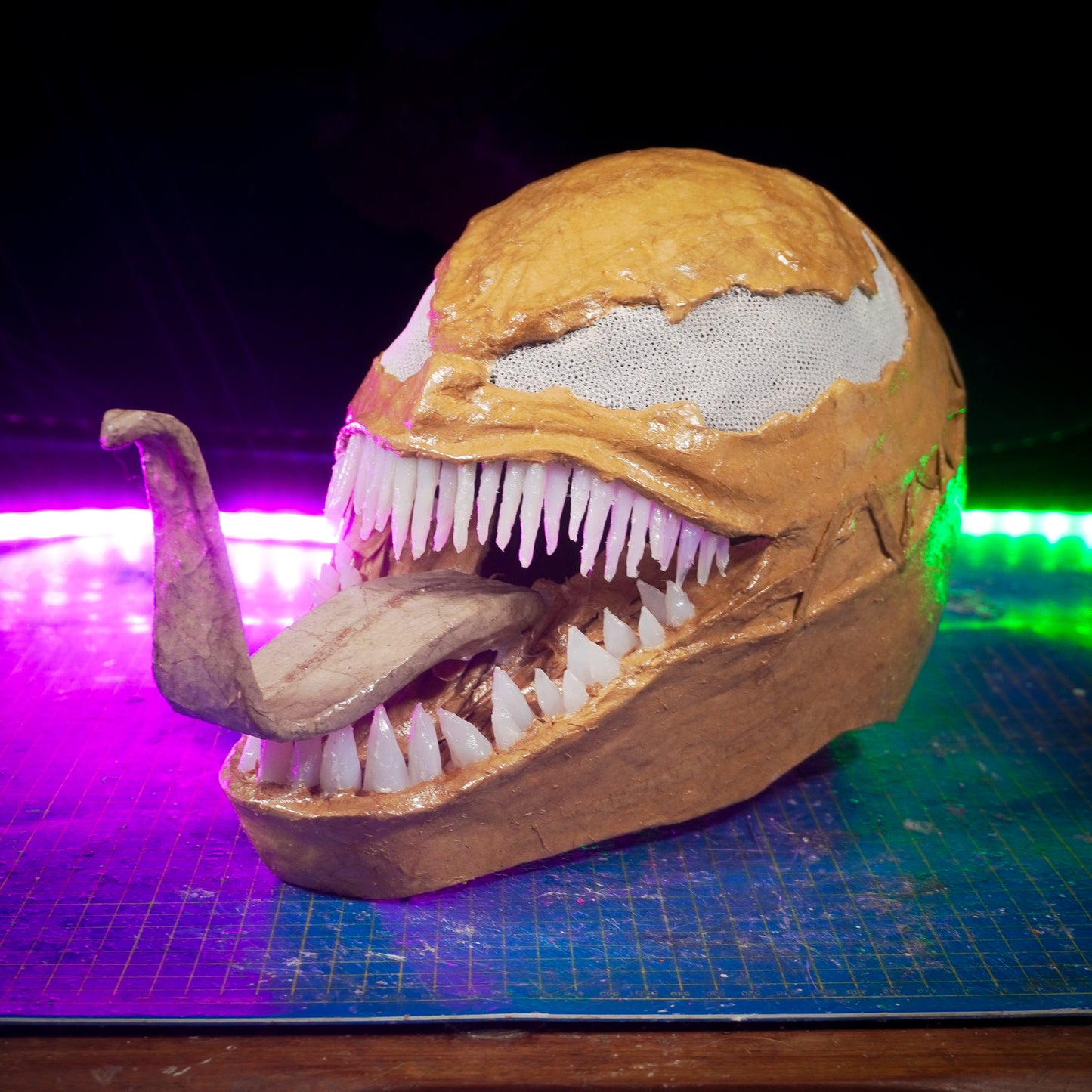
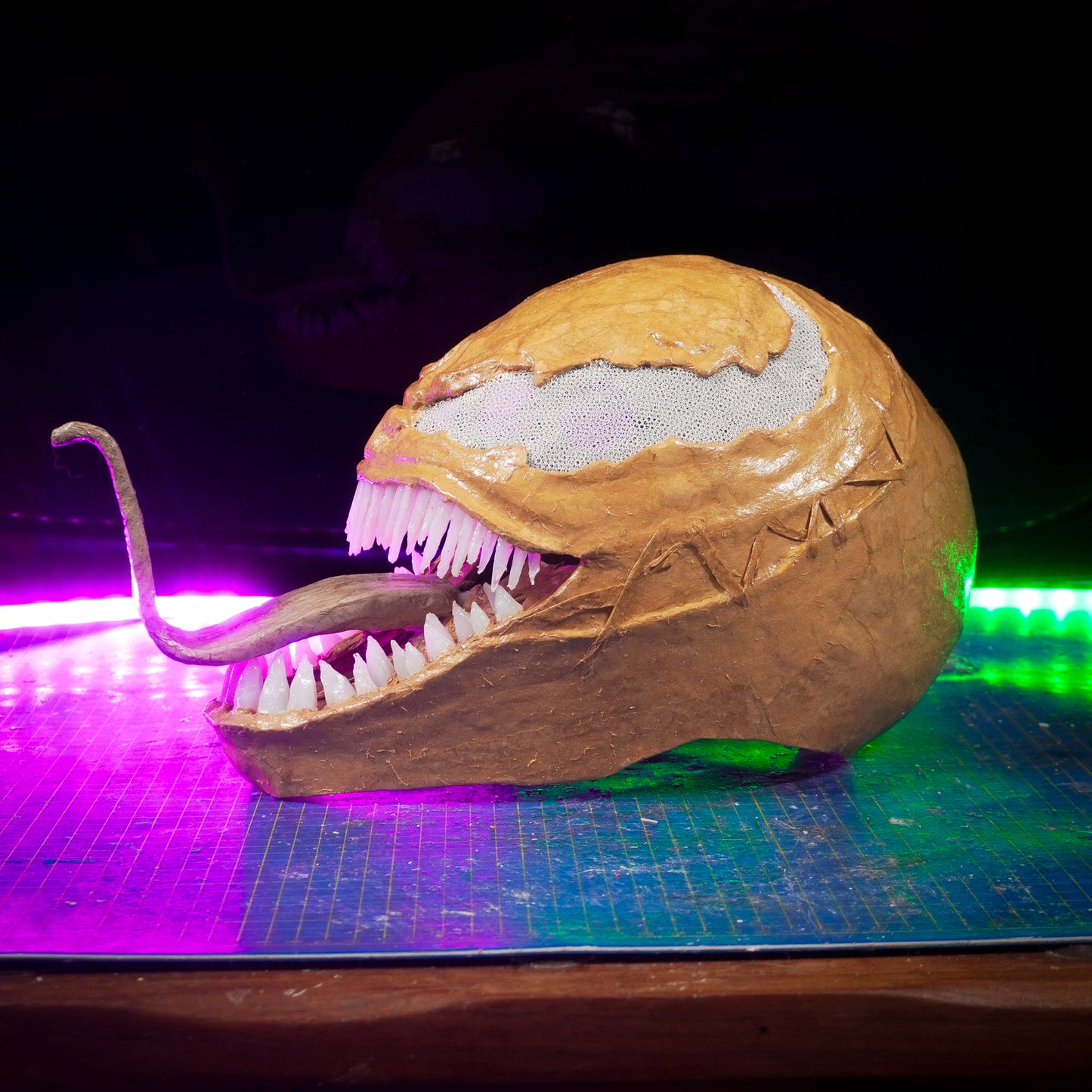
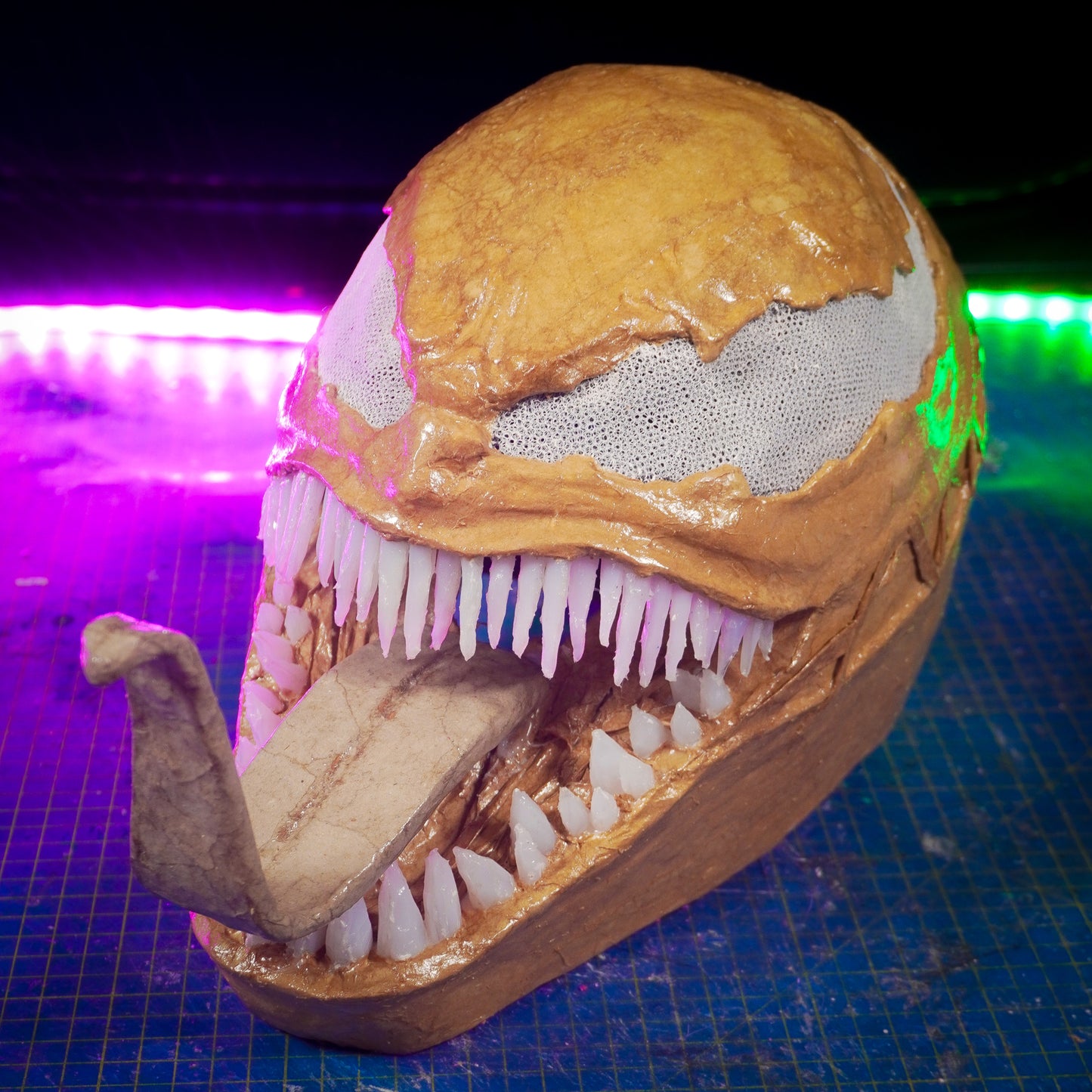
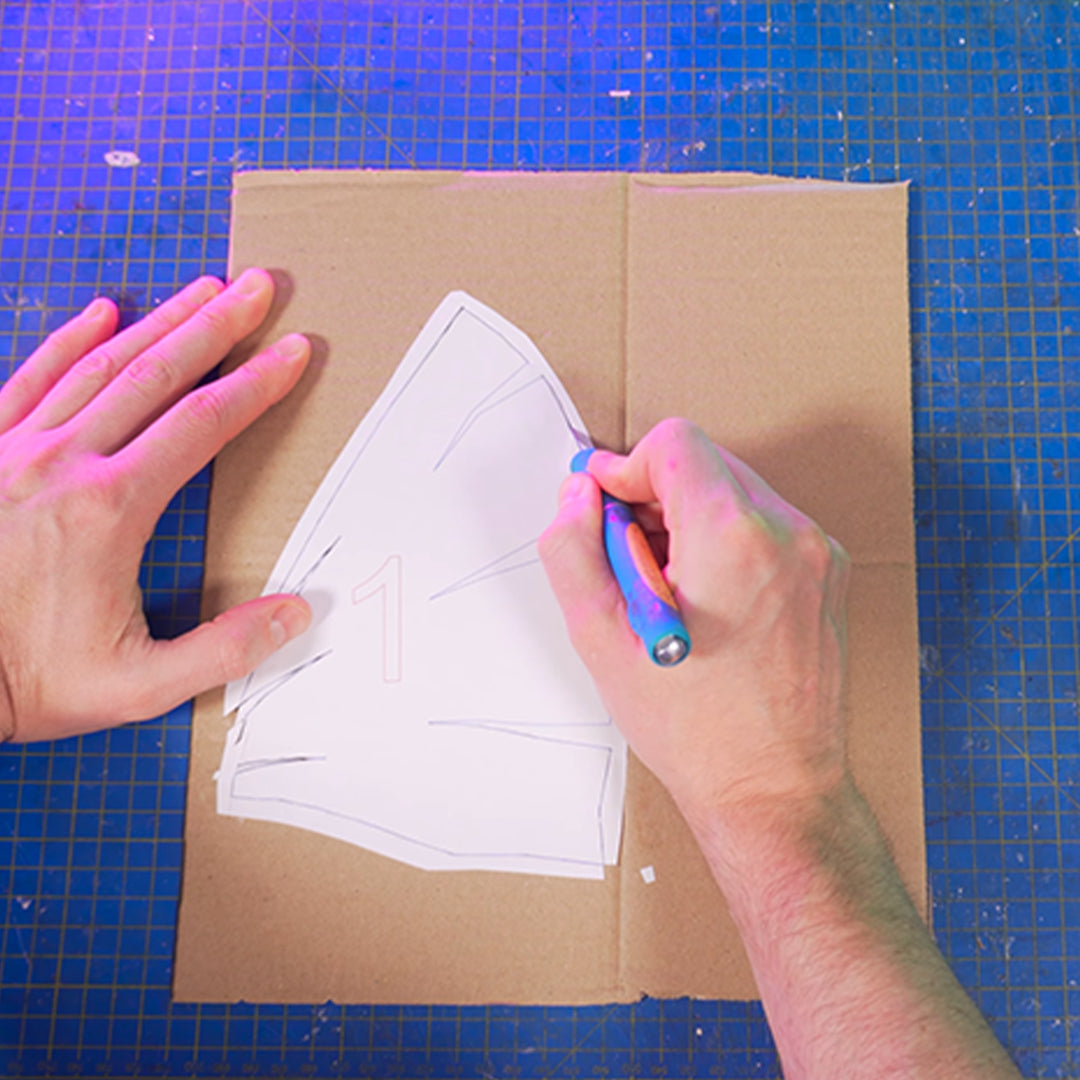
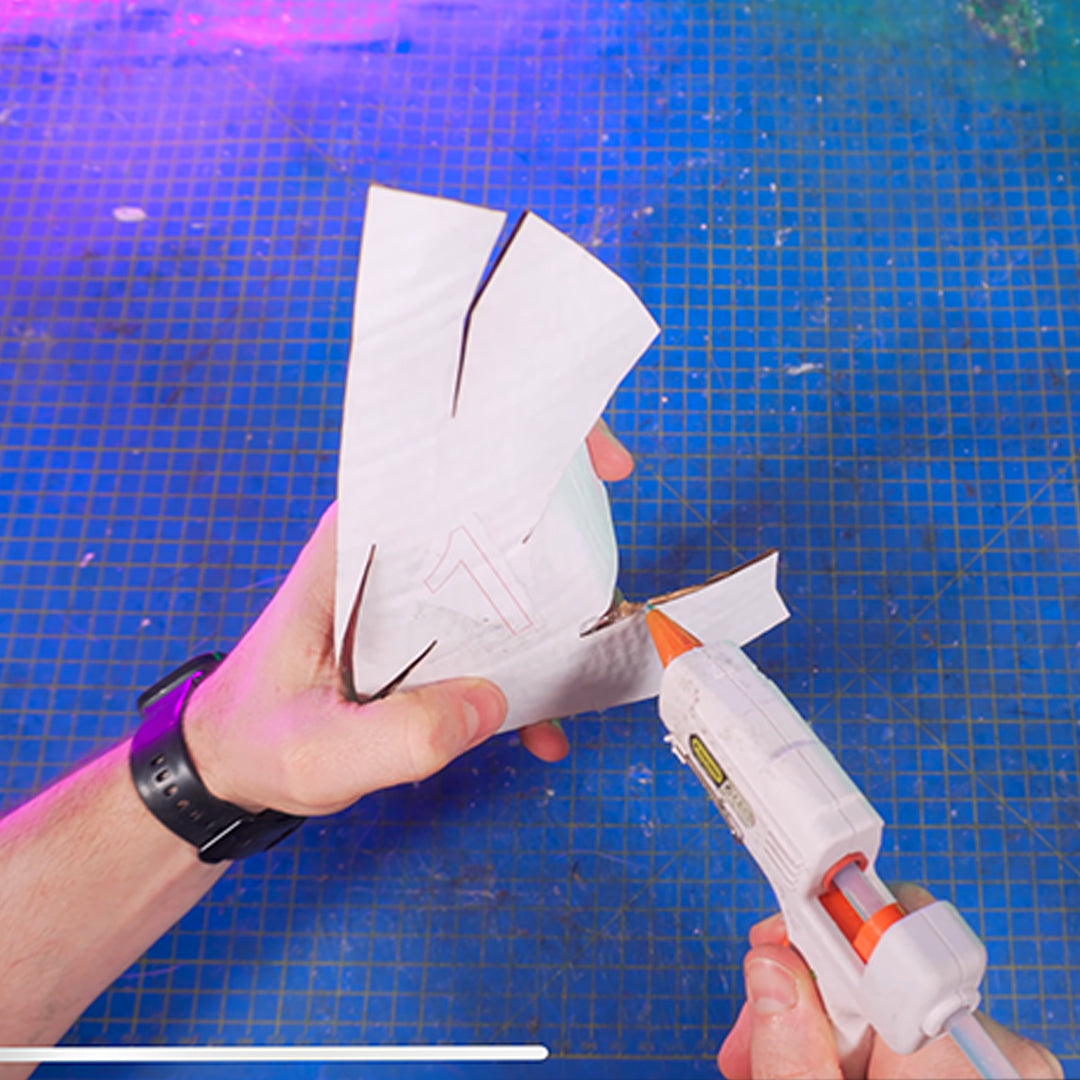
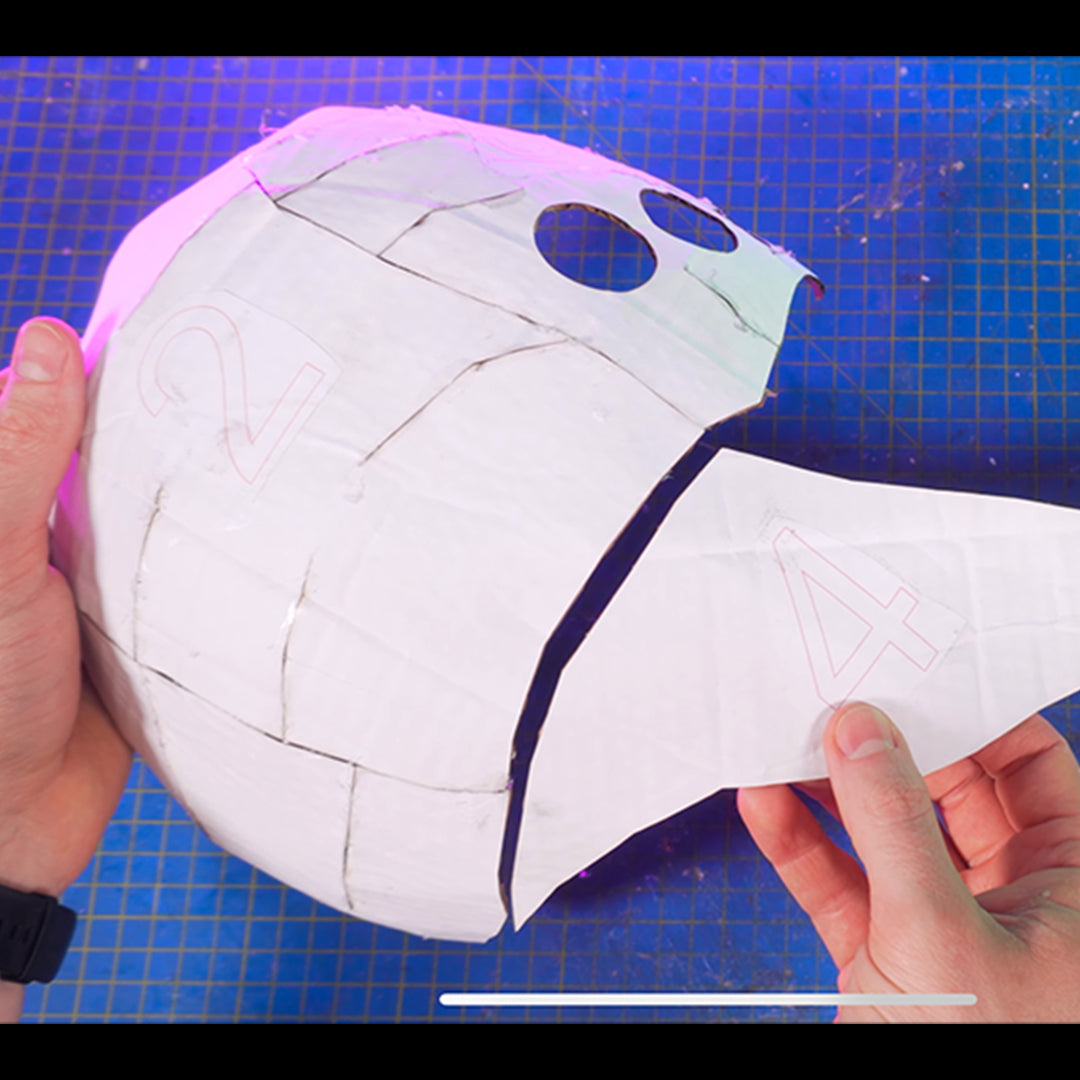
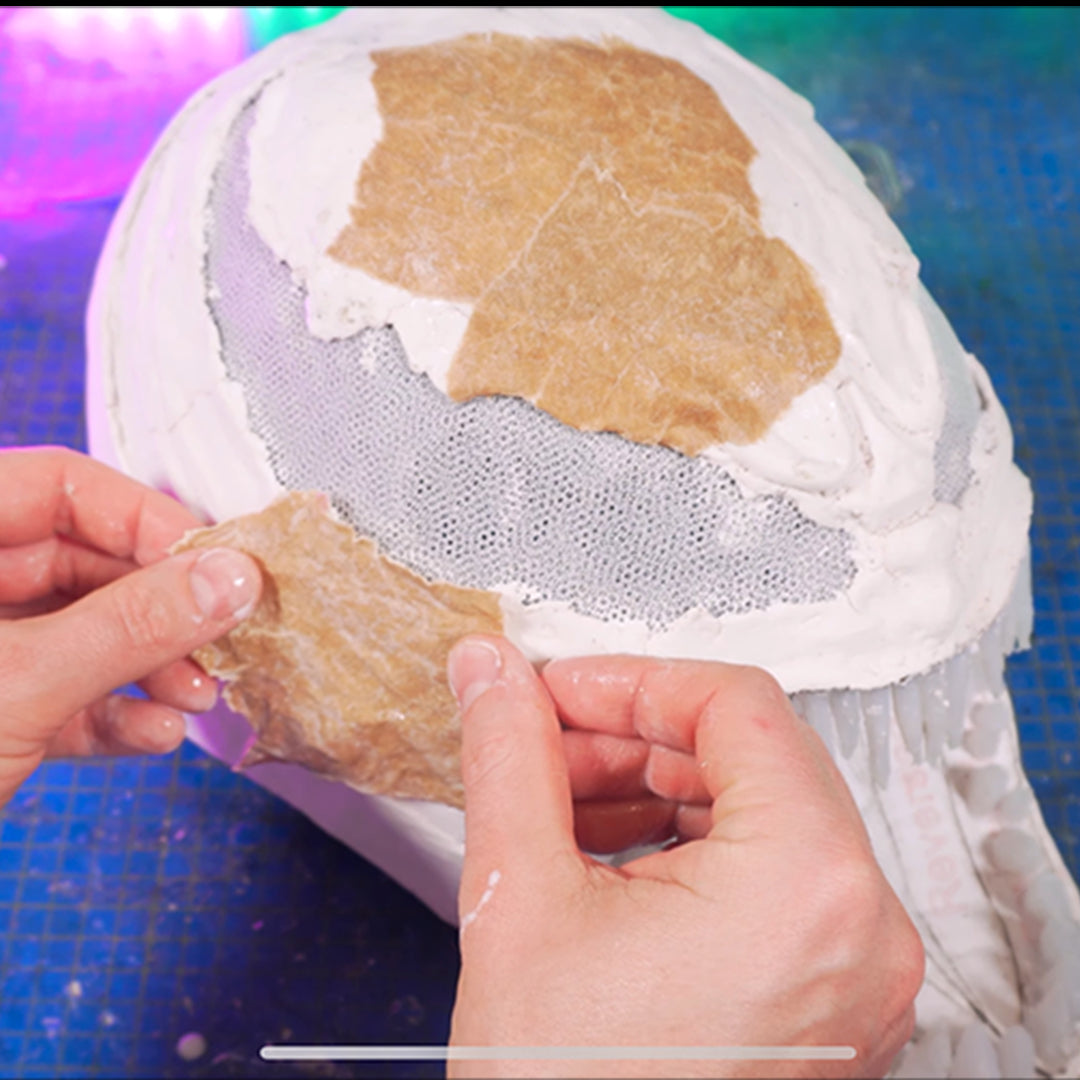
Shape a wearable cardboard Venom mask with the printable template and matching step-by-step video.
Couldn't load pickup availability
Project overview: a wearable cardboard Venom mask
Save 20% on 2+ paid templates
Add two eligible items, then enter the code at checkout.
Download link shown after checkout and also sent by email.
Quick facts
- Printable template sheets
- 13
- Paper compatibility
- A4 and US Letter supported
- Printing and fit
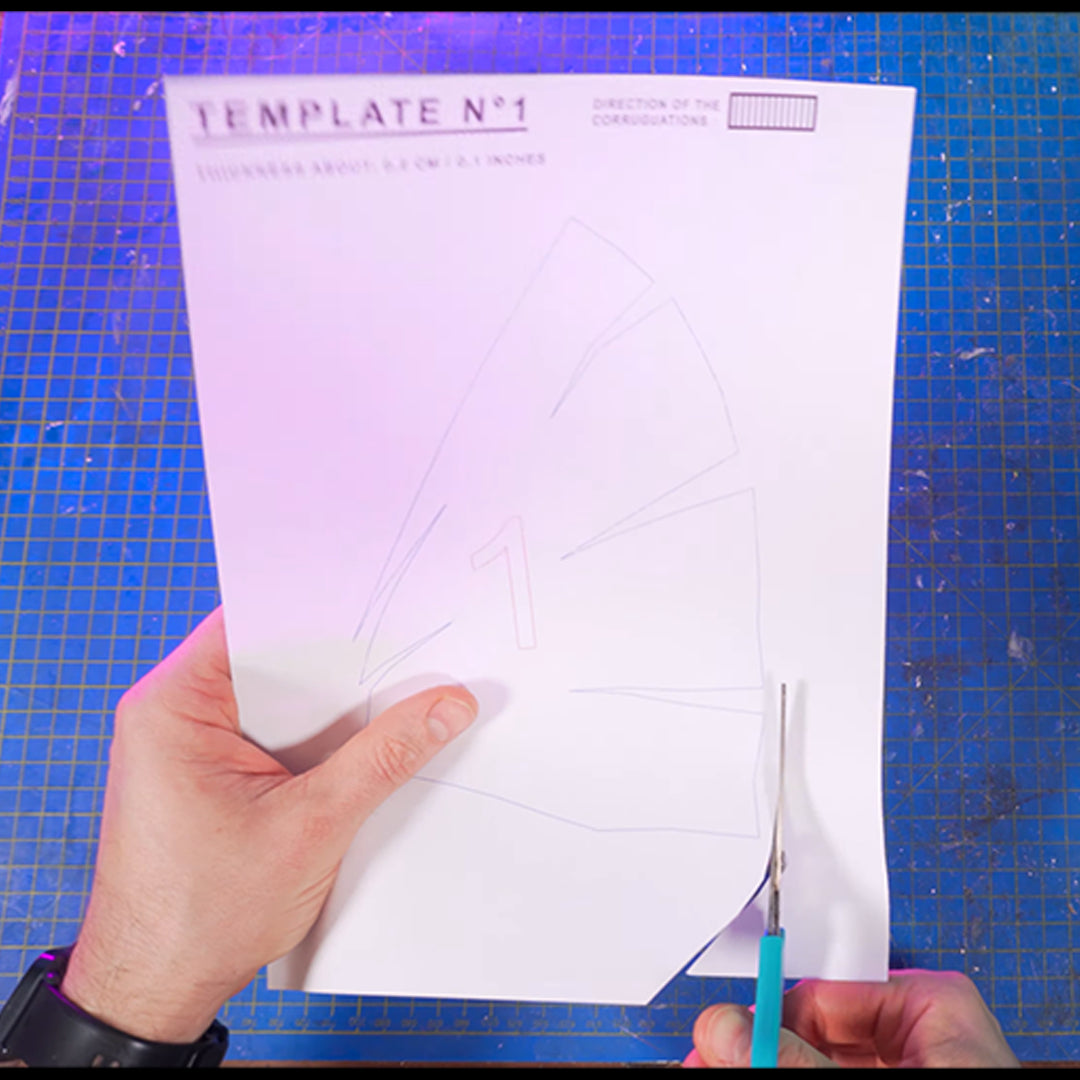
- Unzip the package before use. Print at 100% or Actual Size. A4 and US Letter are supported. For head fit, scale by the wearer’s circumference divided by the 23-inch reference circumference, then make a paper test before cutting cardboard.
Build along with the tutorial
Use the matching YouTube tutorial with the downloadable files. Check the product-specific notes shown on this page or inside the download.
What is included
This product includes only the digital items listed below.
- 13 printable template sheets
- Printing and head-fit guide
- Products and tools guide
Materials
- Single-wall corrugated cardboard
- Grey paper
- Brown paper
Tools
- Precision knife
- Hot-glue gun
- White or wood glue
- Cutting mat
- Paint brushes
- Sandpaper
- Modelling or spackle paste
- Wax-carving tools
Children should be supervised by an adult when using tools, adhesives, paints or sprays.
Build notes
Cardboard: Readable template labels include 2 mm cardboard. Thickness varies by piece, so follow the exact thickness and corrugation direction printed on each template. Flatten or laminate cardboard where needed to match.
Before wearing the mask, add enough ventilation openings and test breathing. Do not wear it if breathing feels restricted.
Printing and scaling
Follow the product-specific paper and print-scale guidance shown above or included with the files. Do not select 'Fit to page' unless the instructions specifically tell you to.
Download delivery
After checkout, the download link is shown on the order page and sent to the email address used at checkout.
If you cannot find the email, check your spam or junk folder, then contact support using the email address from your order.
Need help?
If you need help with a download, printing or a template piece, email epiccardboardprops@gmail.com. Include the product name, the email used for your order and a screenshot where possible.
Email support